Faster Chart Review
Review previous encounters, active problems, medications, allergies, labs, documents, and follow-up items before and during the visit.
EMR-EHRs helps medical practices organize patient information, review clinical history, document encounters, access labs and medications, and manage records from one connected EHR workflow.
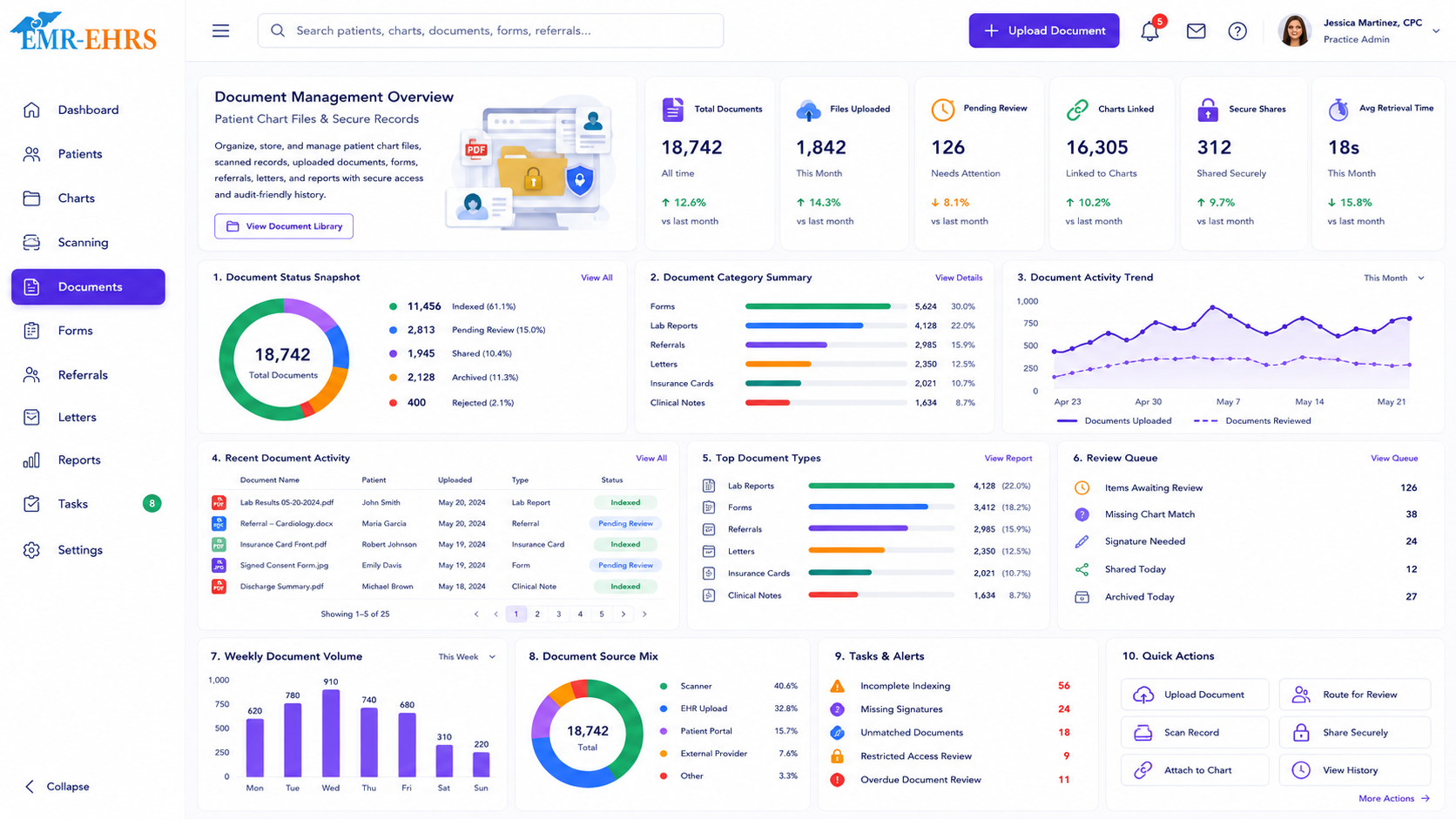
Patient Charts & Records software is an EHR feature that helps medical practices manage patient health information in one secure digital chart. It organizes clinical notes, medical history, medications, allergies, diagnoses, lab results, documents, orders, and care plans so providers and staff can review and update patient information more efficiently.
Your providers should not have to dig through disconnected screens during a patient visit. EMR-EHRs helps keep the patient story organized, so your care team can spend less time searching and more time focused on the person in front of them.
A patient chart is one of the most frequently used areas of an EHR. When the chart is difficult to navigate, the entire clinical workflow slows down.
Review previous encounters, active problems, medications, allergies, labs, documents, and follow-up items before and during the visit.
Document the current encounter, update diagnoses, add treatment plans, and keep notes connected to the right visit.
Keep diagnoses, procedures, orders, encounter notes, and supporting documents easier for billing teams to review.
Configure charting around the way primary care, cardiology, orthopedics, psychiatry, pediatrics, sleep medicine, urgent care, wound care, and therapy teams work.
EMR-EHRs gives providers and staff a more complete view of patient information from the chart.
| Chart Area | Why It Matters |
|---|---|
| Patient demographics | Helps confirm identity, contact details, insurance, and communication preferences. |
| Medical history | Gives providers clinical context before and during the visit. |
| Problem list and diagnoses | Keeps active and past conditions easier to review and document. |
| Medications and allergies | Supports medication review, allergy checks, and safer care decisions. |
| Encounter notes | Keeps visit documentation tied to the correct patient and date. |
| Lab results | Helps providers review results and plan follow-up. |
| Documents | Stores referrals, forms, scanned files, outside records, and imaging references. |
| Orders and care plans | Connects labs, imaging, procedures, referrals, treatment direction, and follow-up needs. |
Before the provider enters the room, the chart should already tell the patient story.
Open the patient chart and confirm the visit context, intake details, and open items.
Review prior notes, assessments, plans, and follow-up recommendations.
Look at current and past medication information and allergy details during the encounter.
Access lab results, scanned documents, referral notes, and uploaded records where supported.
Use SOAP notes, specialty templates, diagnosis fields, treatment plans, orders, and attachments where supported.
Keep documentation, diagnoses, orders, and supporting details connected for cleaner claim preparation workflows.
A good charting workflow should not force providers to choose between complete documentation and patient attention. EMR-EHRs is designed to help practices keep documentation organized while supporting the pace of daily patient care.
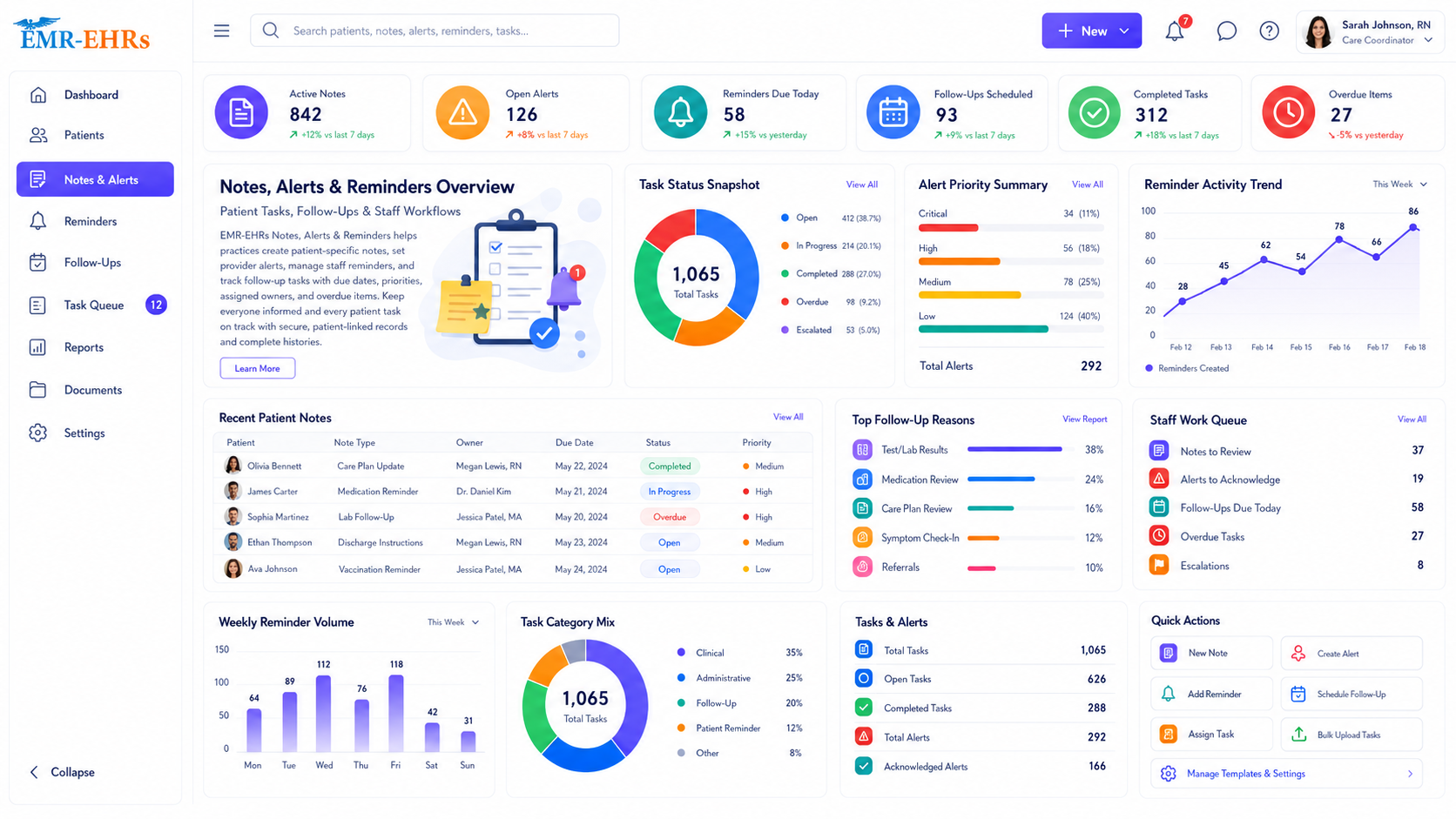
Providers need more than today's complaint. They need the full clinical context across visits, medications, allergies, labs, documents, procedures, and treatment history.
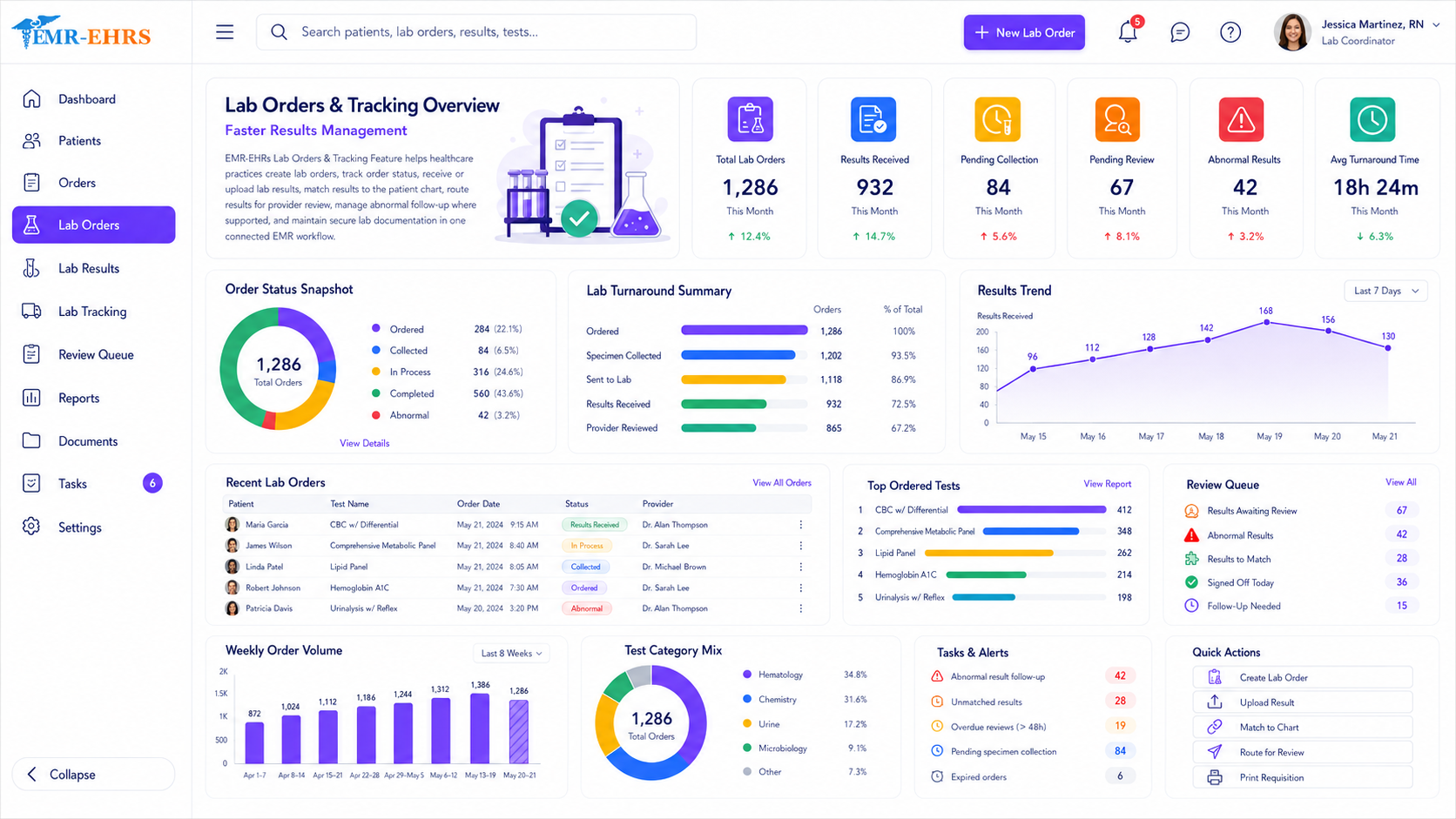
A patient chart is only useful if supporting information is easy to find. EMR-EHRs helps practices keep important clinical information connected to the patient record instead of scattered across separate workflows.
Review lab results from the patient chart to support diagnosis, follow-up, and care planning.
Access medication and allergy information during the encounter to support safer and more informed clinical decisions.
Organize scanned documents, consent forms, referral notes, outside records, imaging references, and other patient-related files.
Keep lab orders, imaging orders, referrals, procedures, and follow-up actions connected to the patient care record.
Patient records must be easy for the right people to access and protected from the wrong access. EMR-EHRs supports HIPAA-conscious chart workflows without making unsupported compliance claims.
Generic charting creates problems because every specialty documents differently. EMR-EHRs supports flexible patient chart workflows that can be configured around specialty-specific documentation needs.
| Specialty | Charting Need |
|---|---|
| Primary Care | Chronic conditions, preventive care, medication review |
| Cardiology | Diagnostics, test results, follow-up plans |
| Orthopedics | Injury history, imaging references, procedures |
| Psychiatry | Progress notes, treatment plans, medication follow-up |
| Pediatrics | Growth history, immunizations, family communication |
| Sleep Medicine | Sleep study records, therapy follow-up, DME documentation |
| Urgent Care | Fast visit notes, orders, discharge instructions |
| Wound Care | Wound measurements, images, progress tracking |
| Physical Therapy | Treatment plans, visit progress, functional outcomes |
Billing teams should not have to chase providers for missing information after every visit. A cleaner chart workflow helps the whole practice move faster.
EMR-EHRs supports mobile-friendly chart workflows where available and can support AI-assisted workflows where available. AI can help reduce repetitive review and documentation support tasks while keeping providers in control of the clinical record.
Faster access to clinical history, previous notes, medications, allergies, labs, documents, and care plans.
Easier chart preparation, intake workflows, and organized patient information.
More consistent documentation workflows, operational visibility, and fewer workflow gaps between teams.
Better visibility when encounter notes, diagnoses, orders, and supporting documents are easier to review.
Care teams can access accurate history, ask fewer repeated questions, and coordinate care more clearly.
EMR-EHRs is designed for medical practices that need more than basic patient data storage. It helps practices organize clinical information, support provider documentation, connect records to care workflows, and keep patient information easier to review across the team.
| Term | Meaning |
|---|---|
| Patient Chart | The active clinical workspace used during patient care. |
| Patient Record | The broader collection of patient health information over time. |
| EMR Chart | A digital chart used mainly within one practice or organization. |
| EHR Chart | A broader digital health record designed to support information sharing across authorized care settings. |
Patient Charts & Records software should include patient demographics, medical history, diagnoses, medications, allergies, encounter notes, lab results, documents, orders, care plans, and follow-up details. It should also help authorized users review and update patient information securely from one organized chart.
It improves clinical workflow by reducing the time providers and staff spend searching for information. A well-organized patient chart keeps history, notes, labs, medications, documents, and orders connected so the care team can review, document, and coordinate care more efficiently.
Yes. EMR-EHRs can support specialty-specific patient charting workflows for practices such as primary care, cardiology, orthopedics, psychiatry, pediatrics, sleep medicine, urgent care, physical therapy, and wound care.
Patient charts help billing teams by keeping diagnoses, encounter notes, orders, procedures, and supporting documentation connected to the visit. This makes it easier to review chart completeness before claims are prepared.
EMR-EHRs supports secure access workflows for authorized users. Practices can use role-based access, organized chart activity, and HIPAA-conscious workflows to help protect sensitive patient information.
Your patient chart should help your team move through the day with more clarity, not more clicks. See how EMR-EHRs can help your practice organize patient records, improve chart review, support clinical documentation, and strengthen clinical workflow efficiency.
Phone: (480) 782-1116 | Email: jason@1stproviderschoice.com