EMR Data Loss Can Affect Patient Care
Patient charts, demographics, visit notes, scanned records, reports, billing documents, and attachments may be needed for daily clinical and administrative work.
EMR-EHRs EMR Remote Backup Services help medical practices protect EMR/EHR data, patient records, practice documents, billing files, reports, and critical operational data with backup scope planning, secure remote backup workflows, restore readiness, monitoring, reporting, and recovery planning where supported.
An EMR remote backup service helps medical practices create and store secure backup copies of EMR/EHR data, patient records, practice documents, billing files, reports, and critical operational data in a remote or offsite location where supported.
The goal is to reduce data loss risk and support recovery after hardware failure, accidental deletion, file corruption, ransomware, natural disaster, or system downtime.
EMR-EHRs EMR Remote Backup Services help medical practices plan backup scope, backup schedules, secure backup workflows, restore readiness, disaster recovery planning, backup reporting, and continuity support where available.
A backup copy is only useful if the practice knows what is protected, how often it is backed up, how long it is retained, who can access it, and how it can be restored.
| Area | EMR Backup | Disaster Recovery | EMR-EHRs Backup Workflow |
|---|---|---|---|
| Main purpose | Creates copies of important data | Helps restore access after disruption | Supports backup and recovery planning where available |
| Focus | Data protection | Business continuity | Backup scope, restore readiness, and downtime planning |
| Example | Copy patient records, reports, and documents | Restore access after server failure, ransomware, or disaster | Define restore steps and recovery priorities |
| Main risk | Backup may exist but may not restore properly | Recovery may be delayed without a plan | Backup monitoring and restore readiness where supported |
| Practice value | Reduces data loss risk | Reduces downtime impact | Helps practices prepare for data loss and operational disruption |
Patient charts, demographics, visit notes, scanned records, reports, billing documents, and attachments may be needed for daily clinical and administrative work.
Servers, workstations, local drives, storage devices, and shared folders can fail without warning.
Medical practices store sensitive patient, billing, insurance, and operational data that must be protected with recovery planning where supported.
Staff may accidentally delete reports, scanned documents, exports, billing files, folders, or patient-related documents.
Backups stored only inside the same office may be affected by fire, flood, theft, hardware failure, power issues, or local ransomware.
A practice may have backups but no clear restore owner, restore process, restore priority, escalation path, or downtime workflow.
Failed backups, incomplete backups, disconnected devices, expired storage, or outdated schedules can create false confidence.
EMR data, scanned documents, billing files, reports, exports, templates, server files, and shared folders may need separate review.
Practices need retention planning so older versions, deleted records, or corrupted files can be reviewed where supported.
Billing teams may depend on claim files, payment files, reports, A/R documents, scans, and exports that need backup review.
A recovery plan should define which workflows matter first, including EMR access, scheduling, billing, patient records, documents, and reports.
Backup policy notes, restore procedures, backup ownership, retention expectations, access controls, and issue documentation should be maintained where supported.
Multiple locations may need consistent backup scope, status visibility, recovery owners, and downtime procedures.
AI-assisted summaries may help review backup status, failed jobs, backup gaps, and recovery risks where available, but final backup and restore decisions must remain with EMR-EHRs specialists, practice leaders, administrators, IT teams, and vendors.
EMR-EHRs reviews EMR/EHR data needs, patient records, practice files, documents, reports, billing files, devices, servers, storage locations, and recovery priorities.
Identify what should be protected, including patient records, scanned documents, templates, reports, billing files, shared folders, exports, and critical operational data where supported.
Define which data and workflows are most important for patient care, scheduling, billing, reporting, document access, and daily operations.
Document in-scope data, out-of-scope data, backup ownership, retention needs, backup location, access controls, and restore expectations.
Plan backup schedule, backup frequency, retention rules, version history, storage capacity, and approval requirements where supported.
Configure remote backup, offsite backup, cloud backup, server backup, workstation backup, file backup, folder backup, or document backup workflows where verified.
Review authorized users, role-based access where supported, encryption support where supported, secure transfer support where supported, and backup permission controls.
Track successful backups, failed backups, incomplete backups, missed backups, disconnected devices, backup gaps, and storage issues where supported.
Review backup health, status reports, failed job history, storage growth, protected data sources, and recurring issues where supported.
Identify failed jobs, incomplete data protection, missed folders, retention gaps, device issues, and escalation needs.
Define restore owner, restore steps, restore priority, restore validation, recovery expectations, and escalation contacts.
Test sample file restore, folder restore, document restore, server restore, or workstation restore where supported.
Plan recovery workflow, downtime communication, manual fallback process, staff responsibilities, recovery priorities, and vendor contacts where supported.
Maintain backup policy documentation, access notes, restore procedure documentation, backup status records, failed job history, and audit-friendly notes where supported.
Review data growth, storage needs, failed jobs, retention gaps, backup scope changes, restore readiness, and future backup improvements.
Confirm support for remote backup, offsite backup, cloud backup, automated backup, incremental backup, encryption, server backup, or workstation backup, including configuration and implementation requirements, during evaluation.
HIPAA-focused backup workflow, designed to support secure backup access, privacy-focused data backup planning, and audit-friendly backup documentation where supported.
Confirm support for ransomware recovery, data loss recovery, backup isolation, versioning, or cyberattack recovery workflows, including configuration and implementation requirements, during evaluation.
Confirm support for server backup, workstation backup, backup agent setup, shared folder backup, or device recovery, including configuration and implementation requirements, during evaluation.
AI-assisted backup tools should support backup visibility, summaries, and risk review while EMR-EHRs specialists, practice leaders, administrators, IT teams, and vendors remain responsible for final backup, restore, security, and recovery decisions.
Need patient chart access, document access, continuity planning, and recovery readiness if systems are interrupted.
Need access to patient documents, scanned records, forms, clinical attachments, and operational files during normal workflow and recovery planning.
Need scheduling data, patient demographics, forms, insurance cards, scanned records, and document recovery workflows where supported.
Need billing files, reports, claims data, payment files, patient balances, A/R documents, and collection files protected where supported.
Need backup status visibility, failed backup review, restore readiness, recovery planning, downtime workflow, and issue escalation.
Need access controls, documentation, backup policies, restore procedures, retention records, and audit-friendly backup notes where supported.
Need clear backup scope, storage planning, monitoring, failed job review, restore testing, issue escalation, and backup documentation.
Need standardized backup scope, location-specific recovery owners, centralized visibility, and cross-location downtime workflows where supported.
| Backup Area | Local-Only Backup | EMR-EHRs Remote Backup Services |
|---|---|---|
| Backup location | Same office or local device | Remote/offsite backup planning where supported |
| Disaster risk | Can be affected by fire, theft, flood, hardware failure, or ransomware | Supports offsite recovery planning where available |
| Monitoring | Often manual | Backup status review where supported |
| Restore readiness | Often untested | Restore readiness and testing where supported |
| Data scope | May miss critical folders | Data inventory and scope planning |
| Retention planning | Often unclear | Backup frequency and retention planning |
| Documentation | Often limited | Backup policy and recovery documentation where supported |
| Multi-location support | Hard to standardize | Standardized backup workflow where supported |
| Reporting | Manual checks | Backup status reporting where supported |
| Continuity | Reactive | Recovery and downtime planning where supported |
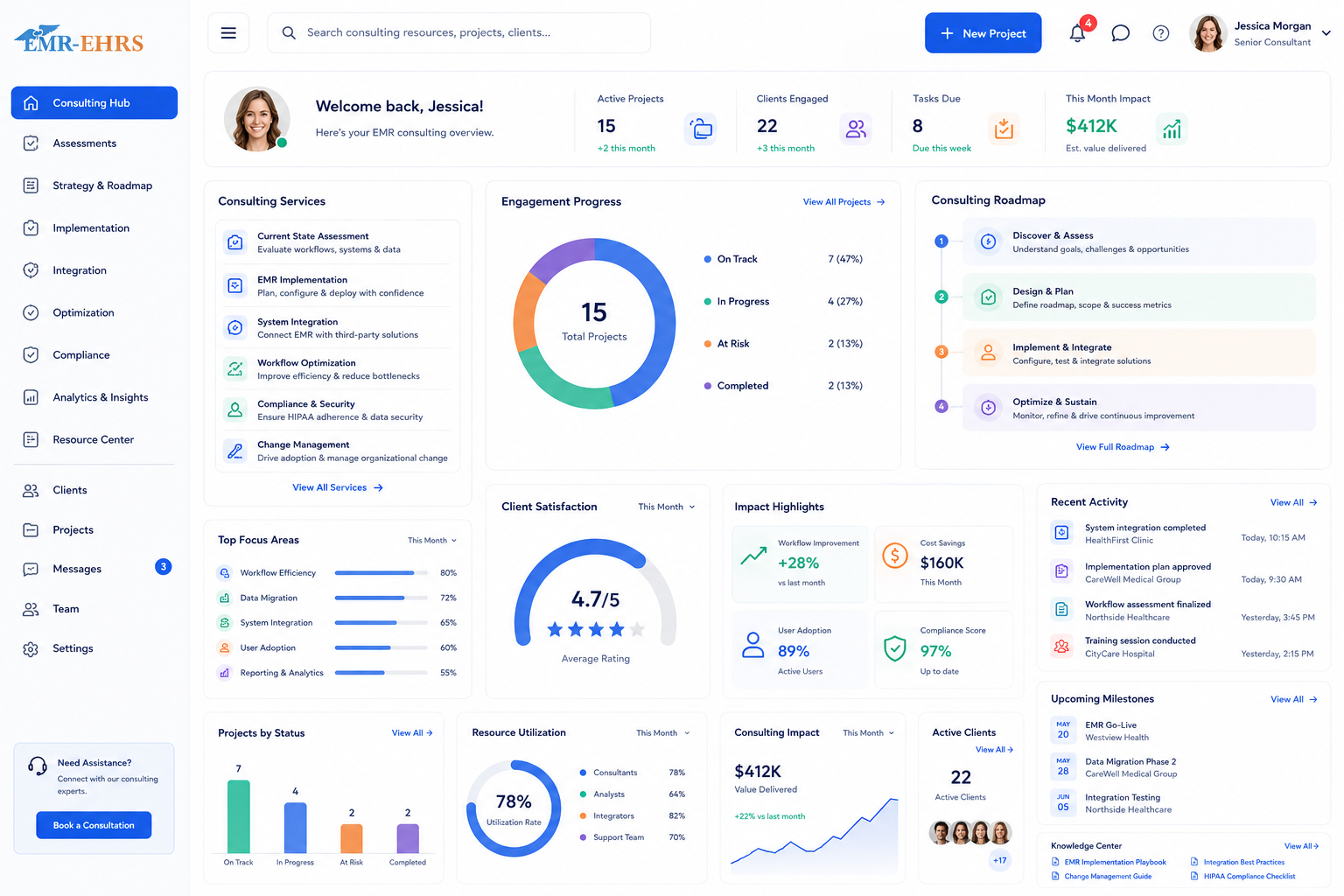
This conceptual workflow preview illustrates how backup status, protected sources, retention, alerts, restore testing and recovery readiness can be reviewed.
Failed backup alerts and backup status where supported.
Storage, version history and protected sources.
Restore readiness and disaster recovery checklist.
AI backup summary where available.
Evaluate backup services by protected data scope, monitoring, retention, restore procedures, recovery responsibilities, security controls and support escalation.
EMR-EHRs helps practices plan backup workflows around EMR/EHR data, patient records, practice documents, billing files, reports, scanned records, and daily healthcare operations.
EMR-EHRs helps identify EMR/EHR data, patient records, clinical documents, reports, attachments, scanned files, and critical practice data where supported.
EMR-EHRs helps define protected data, backup frequency, retention expectations, restore priorities, backup ownership, and backup gaps.
EMR-EHRs supports remote, offsite, or cloud backup planning where available to reduce local-only backup risk.
EMR-EHRs helps review completed backups, failed jobs, incomplete backups, missed backups, storage usage, and backup health reports where supported.
EMR-EHRs helps practices define restore steps, recovery priorities, restore ownership, downtime workflows, and recovery validation where supported.
EMR-EHRs supports privacy-focused backup notes, access review, backup policy documentation, restore procedure documentation, and recovery planning where available.
EMR-EHRs helps protect data used by providers, clinical staff, front desk teams, billing teams, managers, administrators, and IT teams.
EMR-EHRs helps standardize backup scope, location backup status, recovery ownership, and downtime planning across locations where supported.
EMR-EHRs can support backup status summaries, failed job summaries, backup gap summaries, restore readiness summaries, and risk summaries where available.
Review EMR/EHR data, patient records, documents, reports, billing files, shared folders, devices, servers, storage, and recovery priorities.
Define protected data, excluded data, backup frequency, retention expectations, restore priorities, owner responsibilities, and documentation.
Configure remote, offsite, cloud, server, workstation, file, folder, or document backup workflows where available.
Review authorized users, backup access controls, encryption support, secure transfer support, permissions, and privacy-focused workflow.
Review successful backups, missed backups, failed jobs, backup gaps, storage needs, status reports, and support escalation where supported.
Plan restore steps, recovery priorities, downtime workflows, recovery owners, restore testing, and disaster recovery workflows where supported.
Review data growth, retention gaps, recurring backup issues, restore readiness, documentation updates, and future backup improvements.
An EMR remote backup service helps medical practices create secure backup copies of EMR/EHR data, patient records, practice documents, billing files, reports, and critical practice data in a remote or offsite location where supported. EMR-EHRs EMR Remote Backup Services help practices plan backup scope, backup schedules, restore readiness, and recovery workflows where available.
Medical practices need remote backup because EMR/EHR data can be affected by hardware failure, accidental deletion, ransomware, file corruption, local disasters, failed local backups, and downtime. Remote backup planning helps protect patient records, billing files, reports, documents, and daily practice workflows where supported.
An EMR backup plan should include EMR/EHR data, patient records, demographics, clinical notes where supported, scanned documents, attachments, reports, templates, billing files, shared folders, export files, and critical practice documents. EMR-EHRs helps practices define what is in scope, what backup priority is needed, and what restore priority should be planned.
EMR-EHRs supports restore readiness by helping practices define restore owners, restore steps, restore priorities, recovery expectations, sample restore testing where supported, downtime workflows, escalation contacts, and disaster recovery planning where available. This helps practices prepare before data loss, system failure, ransomware, or downtime affects daily operations.
EMR-EHRs supports HIPAA-focused backup workflows through secure backup access planning, authorized user review, role-based access where supported, encryption support where supported, backup documentation, restore procedure documentation, access review, and privacy-focused backup planning where available.
Protect EMR/EHR data, patient records, practice documents, billing files, reports, and critical workflows with EMR-EHRs EMR Remote Backup Services for backup planning, secure remote backup workflows, restore readiness, disaster recovery planning, monitoring, reporting, and support where available.
Phone: (480) 782-1116 | Email: jason@1stproviderschoice.com
