Patient Record Is Reviewed
Staff locate and confirm the correct patient record.
EMR-EHRs Patient ID Card Module helps medical practices create and use patient identification cards for supported record lookup, appointment, front desk, and check-in workflows.
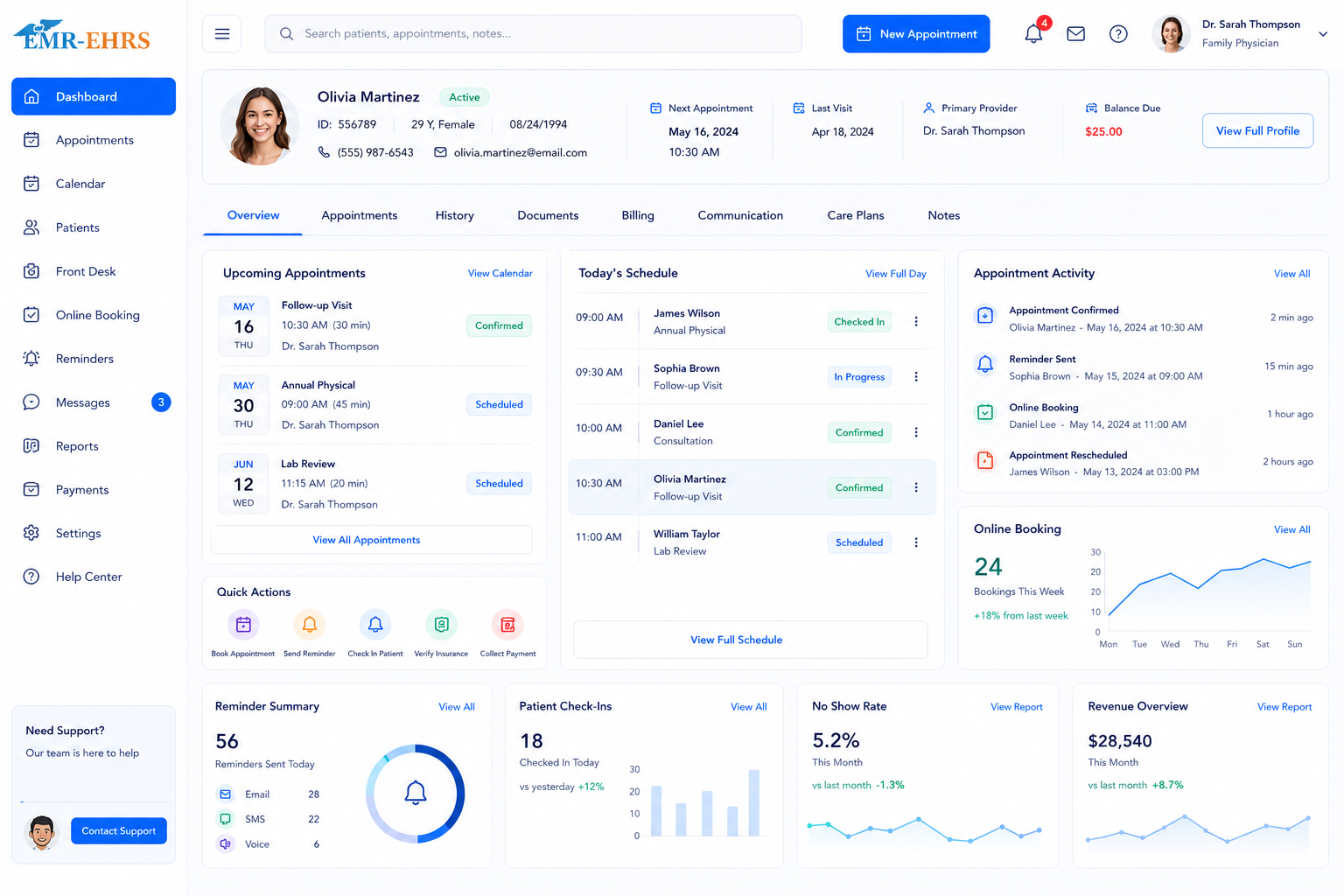
A patient ID card module helps medical practices create, print, and use patient identification cards for supported workflows such as patient lookup, appointment identification, check-in, and record matching.
Confirm support for specific printers, barcode formats, QR workflows, photos, scanners, or card layouts, including configuration and implementation requirements, during evaluation.
Staff locate and confirm the correct patient record.
Approved patient details and card format are reviewed where supported.
The practice creates a new or replacement patient ID card where supported.
The card is printed using the verified card layout and printer workflow.
The card can support patient lookup, appointment identification, or check-in where supported.
Front desk staff verify the selected patient before continuing the workflow.
Replacement, inactive, or updated card status is tracked where supported.
Help front desk teams locate patient records with fewer manual steps where supported.
Connect identification with appointment and check-in workflows where supported.
Give staff a consistent workflow for new and replacement cards.
Review supported card layouts, printers, and barcode or QR options during setup.
Use role-based access and patient identification safeguards.
Standardize patient card workflows across locations where supported.
A patient ID card module helps medical practices create, print, and use patient identification cards for supported workflows such as patient lookup, appointment identification, check-in, and record matching.
Patient ID cards can help front desk teams identify patients, locate records, review appointments, support check-in, and reduce manual lookup steps where supported.
EMR-EHRs can support barcode or QR-based patient ID card workflows where verified. The final card format depends on the practice setup, printer, scanning workflow, and supported configuration.
EMR-EHRs can support patient ID card printing and replacement workflows where available. Practices should review the supported printer, card layout, and staff permissions during setup.
The patient ID card module can connect identification workflows with patient records, appointments, check-in, front desk tasks, and practice management workflows where supported.
See how EMR-EHRs can support patient ID cards, record lookup, appointments, check-in, card printing, and front desk workflows where supported.
Phone: (480) 782-1116 | Email: jason@1stproviderschoice.com
